Introduction
While some subscriptions will have feeds whose content is the full text of the article you're reading, others will include just a small snippet of the content, forcing you to have to leave your news reader of choice and visit their website.
In OldNews I added a feature that, when presented with such a subscription, you can grab the full content from the web (press g while reading an article). The problem here is that some sites have a lot of extra content that you're not interested in.
To improve on this I've added per-subscription article grab filters.
Example use
Imagine you're reading an article where only the smallest of snippets is available to read.
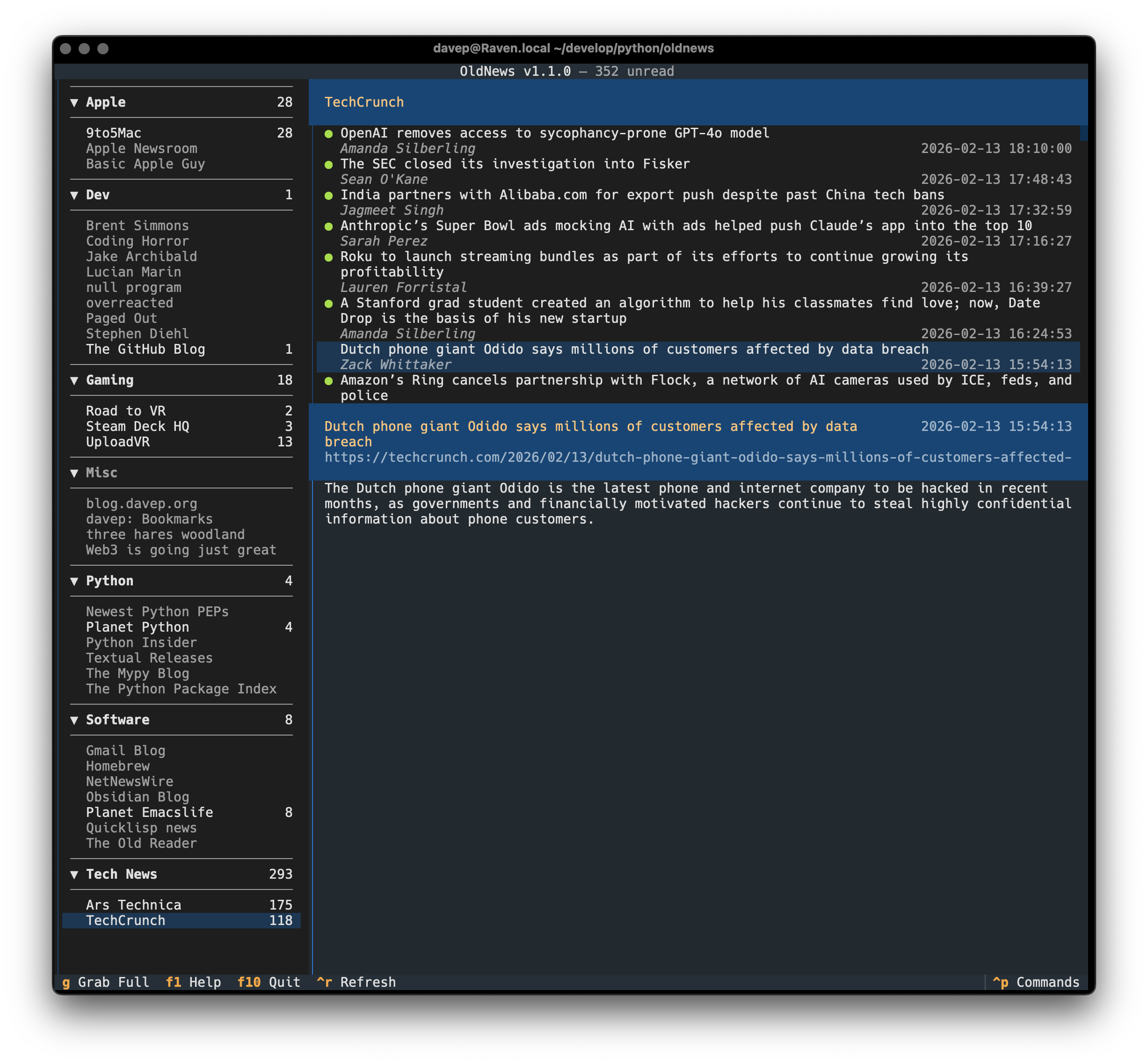
Not wanting to have to leap out of OldNews and into your web browser, you hit g to grab more of the article.
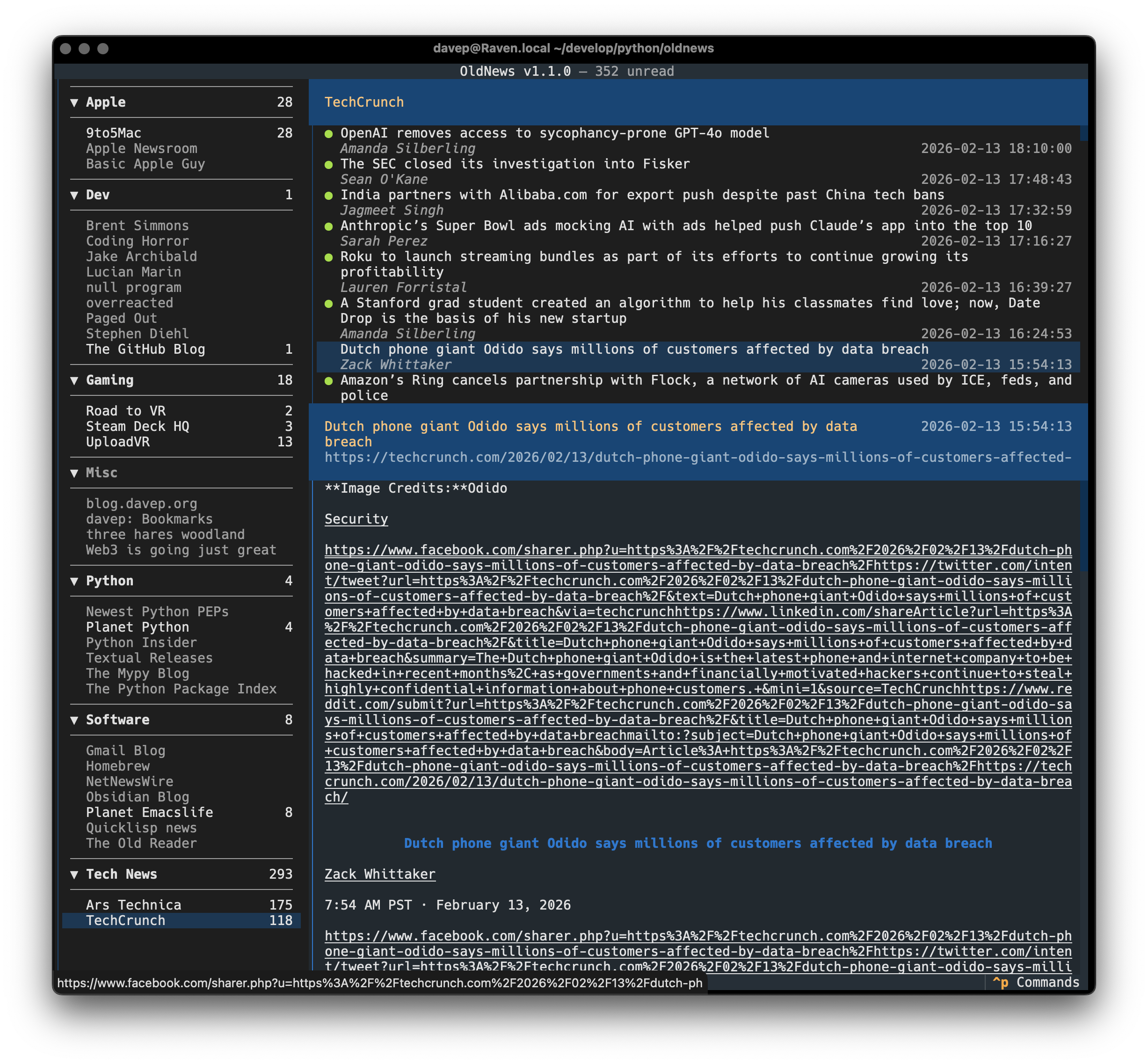
So now you have the full article but there's far too much content showing, much of it unreadable. This is where the filtering system comes in.
Using the SetSubscriptionContentFilter command (bound to f by
default) you can set a selector to use to find the readable content of the
page.
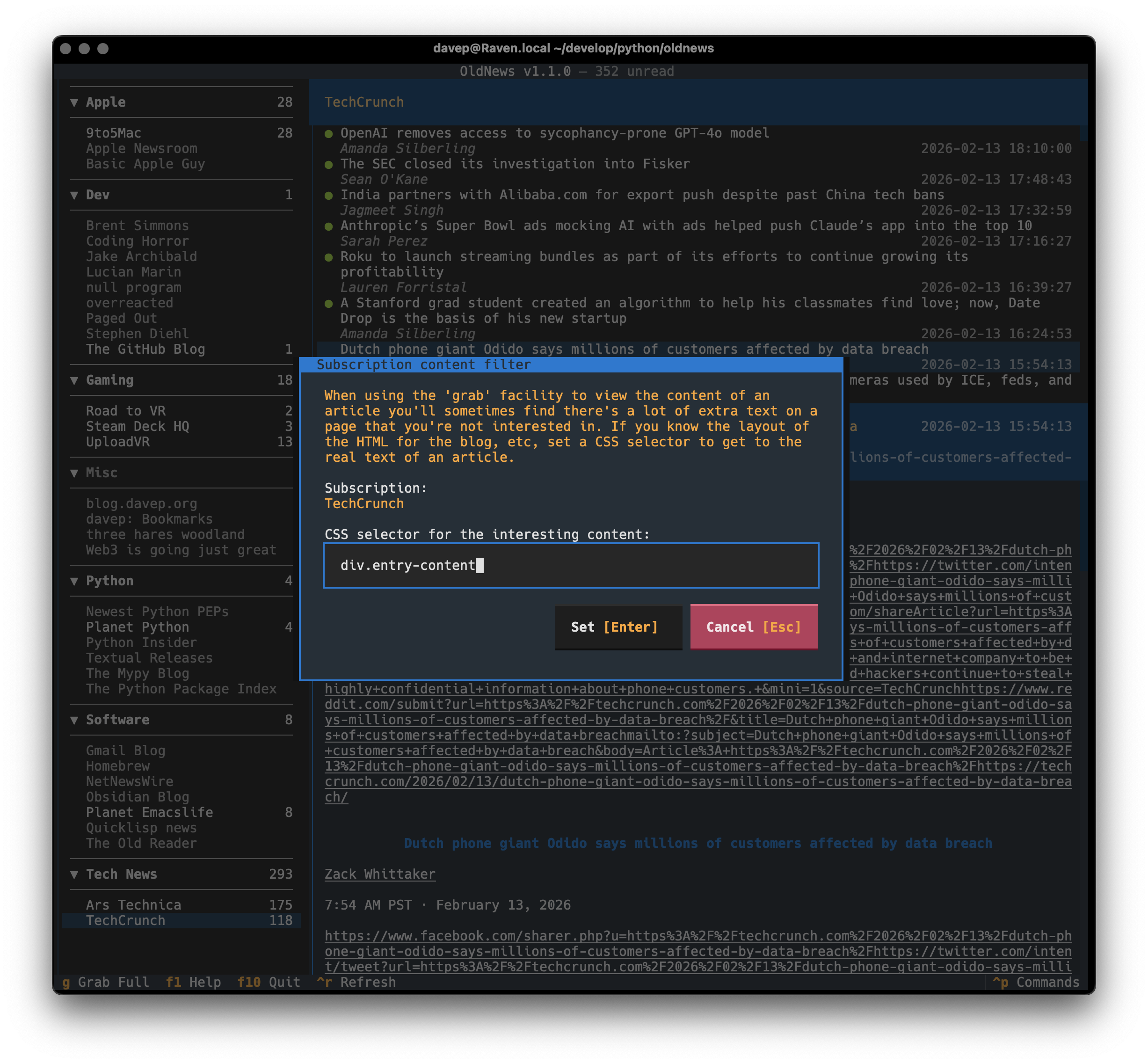
Knowing what selector to set will of course depend on you diving into the source for the average article for the subscription and working out what will work; in most cases this shouldn't be too difficult (if you know web development and can navigate the source of a page).
After the filter is set, the article can be grabbed again and it will be a lot more readable.
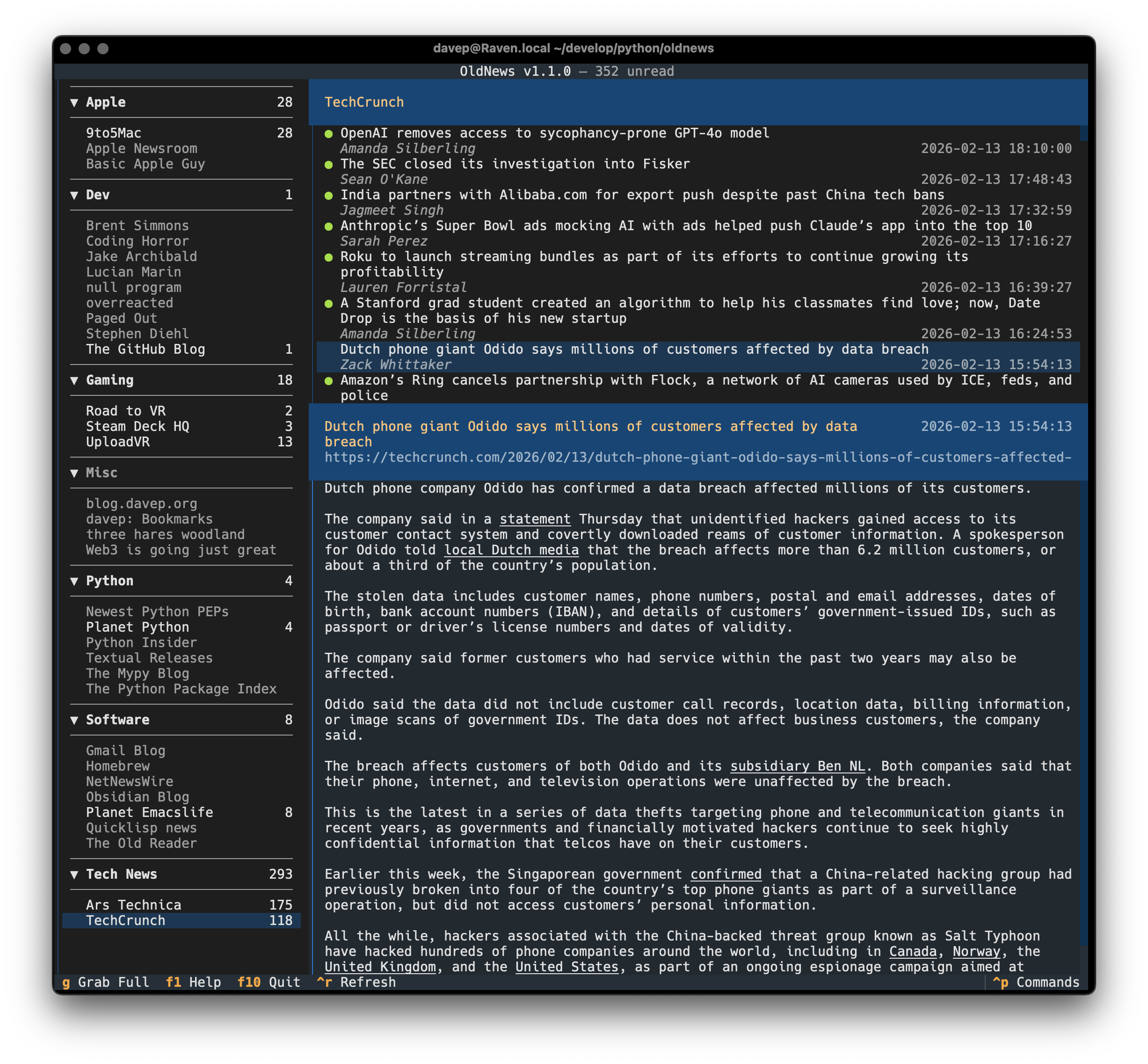
Having set the filter, this will always be used for any article you grab (g) from that subscription.